Get Started
Get Started


Flightcast's new tool copies YouTube videos to Spotify and keeps new uploads in sync. Here is what it does, what Spotify requires before you can earn anything, and who should pay for it.

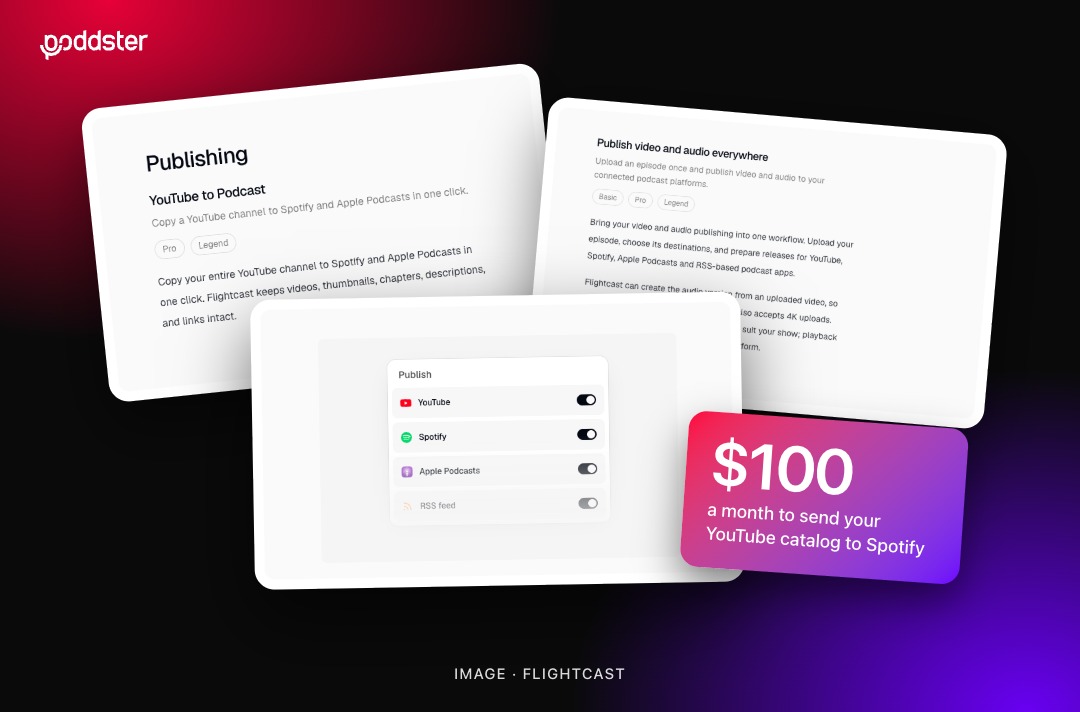
If your show lives on YouTube, you may have years of video that has never reached Spotify. A new tool from podcast host Flightcast is built to fix that, and it comes with a tempting pitch: a second life for your back catalog, and possibly a second income.
The first part is simple to buy. The second part depends on rules the tool doesn't control. Here's how to tell whether it makes sense for your show.
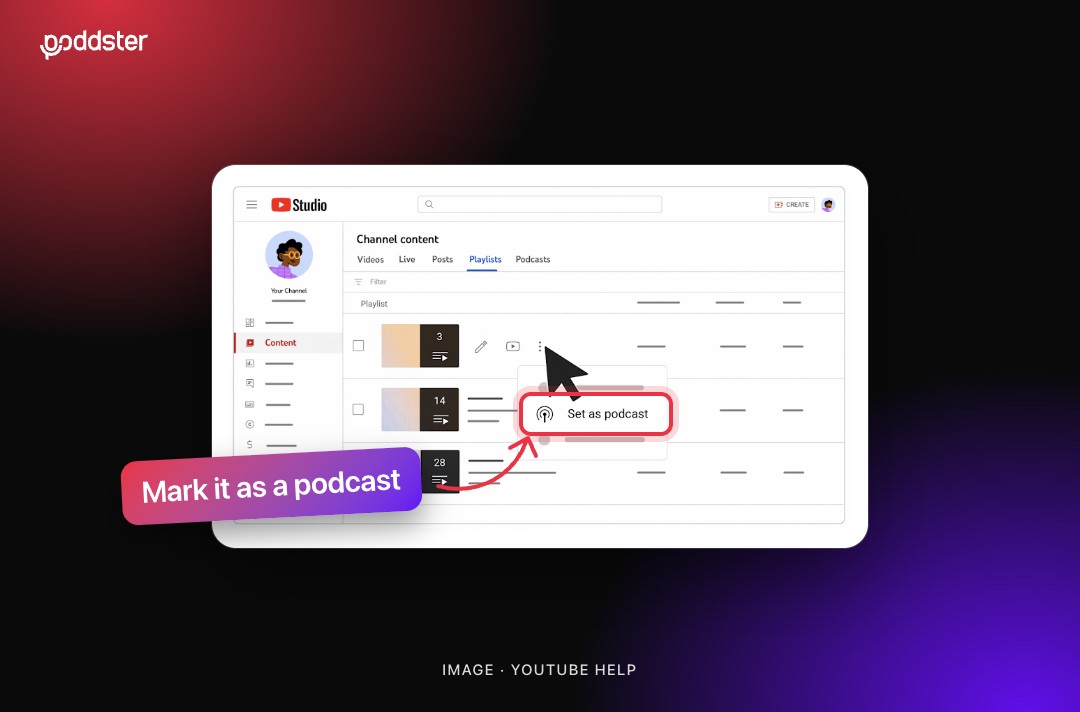
You connect your YouTube account to Flightcast, then choose what goes to Spotify:
It costs $100 a month, and you also get Flightcast's wider hosting and distribution tools, including Apple Podcasts, iHeartRadio and Amazon Music.
One piece of context: the company's press release names Steven Bartlett, host of The Diary of a CEO, as a founder alongside CEO Rox Codes. It's a commercial product with a commercial pitch, so judge it on your own numbers.
The pitch rests on the Spotify Partner Program. Being on Spotify doesn't get you in. To qualify, a show needs all of these:
Notice the words "on Spotify". Your YouTube subscribers don't count. A channel with a large YouTube audience and no Spotify presence starts from zero, and has to build those numbers there first.
Flightcast says shows on its platform are tracked automatically, and a Monetize tab appears once they have enough consumption. You then submit the show, and Spotify approves or denies it. Flightcast says it takes no cut of the payouts.
Once you're in, Spotify's help pages describe a 50% share of revenue from ads it monetizes in your episodes, plus Premium video revenue based on a proprietary formula. So nobody can tell you in advance what your catalog will earn. Spotify also says its criteria can change at any time.
To see how Spotify counts activity, it's worth reading our guide to what each of your Spotify numbers means.
Read more: Adding video to your podcast just got a lot more data behind it
At $100 a month, the tool costs $1,200 a year. It tends to make the most sense if:
Hold off if you only have a small catalog, because uploading a few episodes yourself may be enough. The same goes for channels that publish Shorts or visual-first content rather than episodes, and brands that want reach more than ad revenue, since their goal may not depend on the Partner Program at all.
Also check for overlap. If your show already reaches Spotify through its host, you may just need to add video, not a new pipeline.
Before you commit to a monthly fee, answer three questions:
Then publish your ten strongest evergreen episodes and watch your Spotify numbers for a few weeks. If nobody comes, automation won't change that. As with most podcast growth problems, the hard part is getting found, not getting uploaded.
Not sure where your video catalog should go next? Talk to Poddster about your distribution plan.






Join 5.1K podcasters, creators, and brands already producing, editing and growing their video content with the world's #1 podcast studio brand.