Get Started
Get Started


YouTube is expanding live reactions to eligible long-form videos, which could include your full podcast episodes. Here's how the feature works, what's still unclear, and what to prepare before it rolls out.

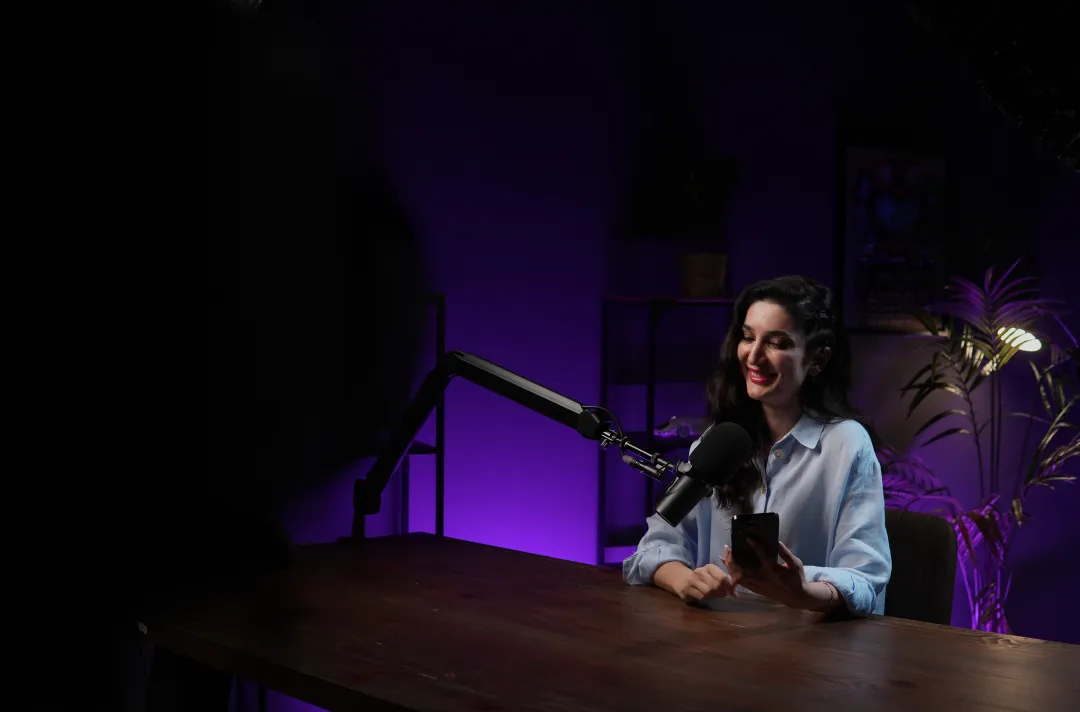
If your podcast publishes full video episodes on YouTube, another creator may soon be able to go live, play your episode, and react to it in front of their own audience. That's the result of a YouTube Live update announced at Made on YouTube 2026, and it's worth thinking through before it reaches your channel.
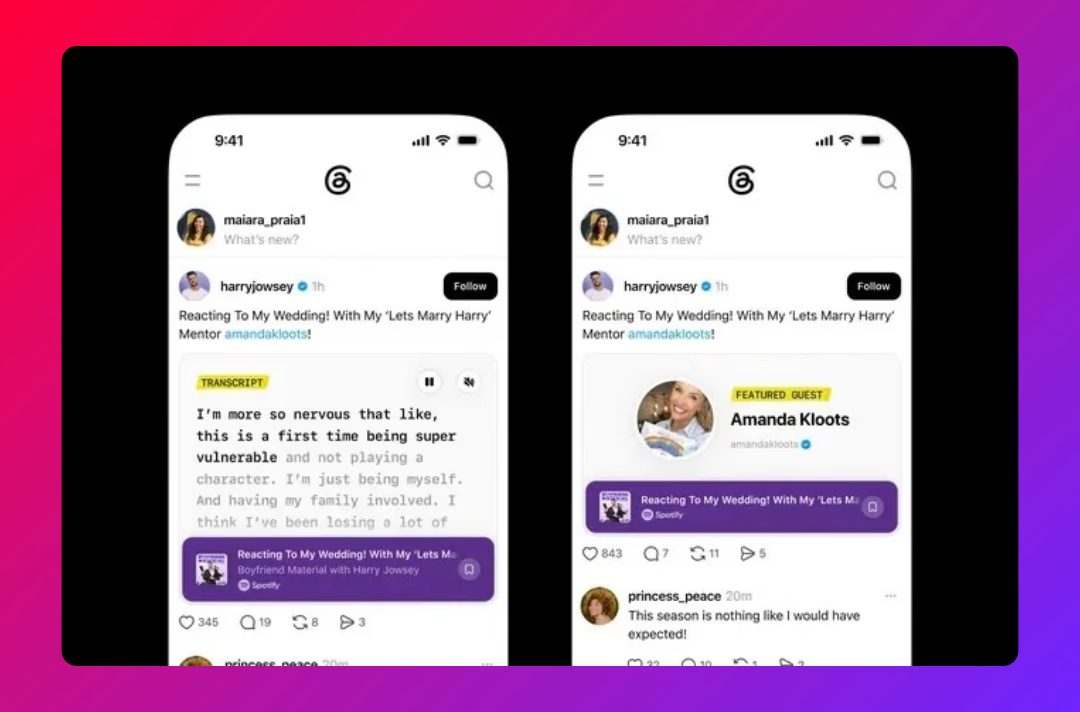
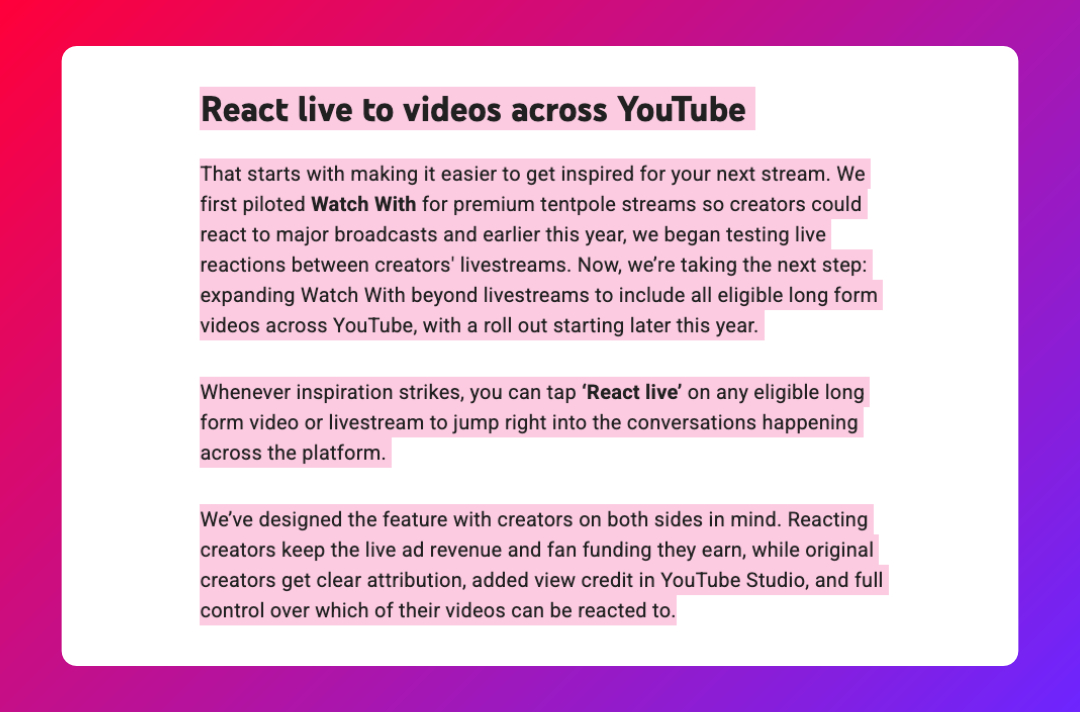
On September 23, 2026, YouTube said in its official blog that it is expanding "Watch With" to "all eligible long form videos across YouTube, with a roll out starting later this year." Creators will be able to tap a "React live" button on an eligible long-form video or livestream to start a live reaction stream.
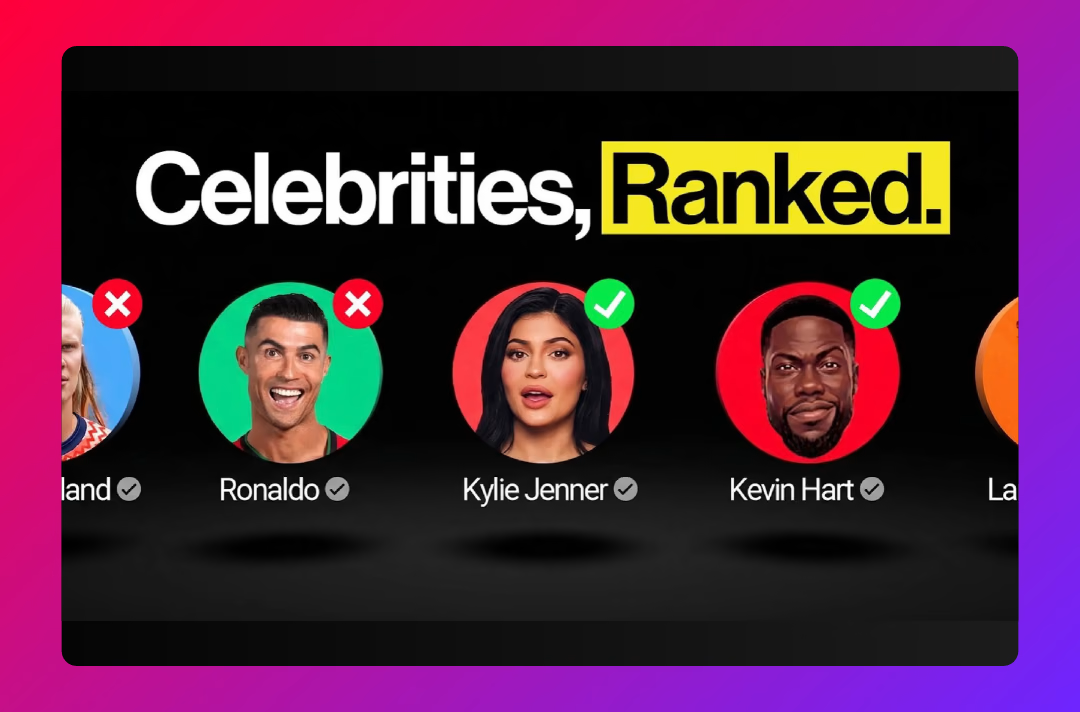
Watch With isn't brand new. YouTube first used it for its own big live events, including NFL companion streams and Coachella, and then tested creator-to-creator reactions earlier in 2026. What's changing is the scale: instead of a few selected events, it's heading for long-form videos across the platform.
YouTube set out who gets what:
The scale is significant. YouTube says more than 600 million logged-in viewers watched live content on an average day in August 2026, and over 40% of live watch time comes from viewers outside the creator's home country.
Your full episode could become someone else's live show. That's reach you didn't pay for, and content you don't fully control.
YouTube's announcement leaves several practical questions open, and it's worth being honest about them rather than guessing:
Until YouTube publishes more detail, treat these as open questions, and check YouTube's own documentation as the feature rolls out.
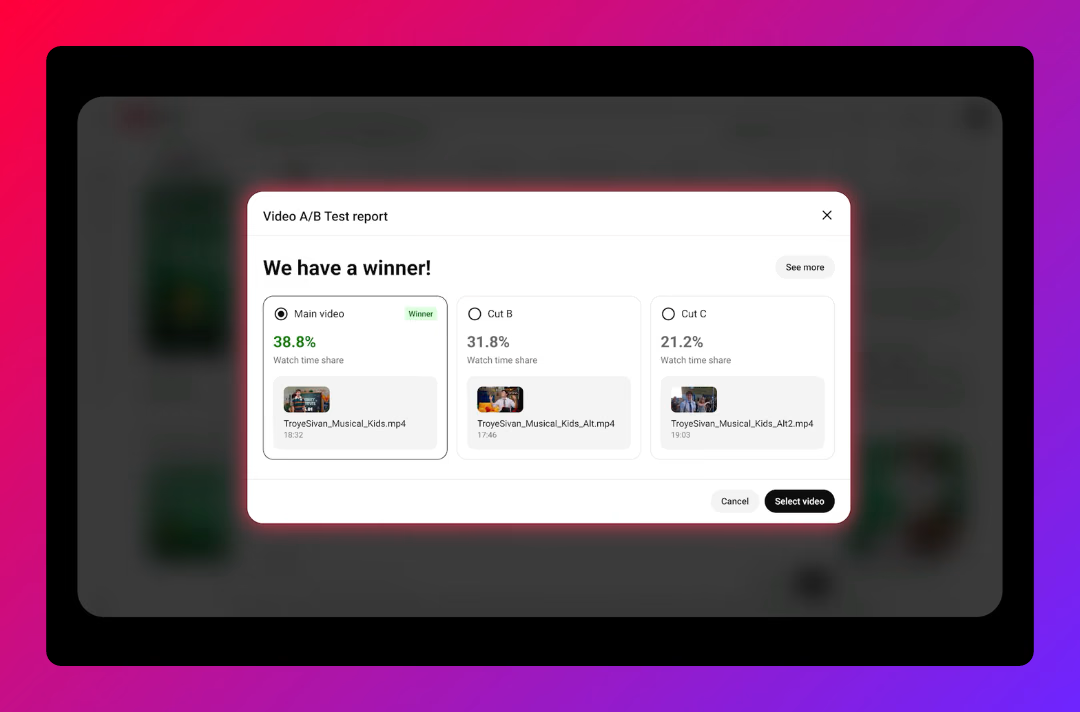
Read more: YouTube will let you A/B test entire podcast videos. Here's how to use it.
For many shows, live reactions could be a genuine discovery channel. A popular creator reacting to your interview puts your host and guest in front of an audience that may never have found your show otherwise, with attribution pointing back to you. That's similar to the way clips spread a show, except the viewer sees the full context of the conversation.
It also adds a new signal to watch. If YouTube credits reacted views in Studio, you'll be able to see which episodes other creators find worth discussing, which is useful feedback on what resonates. It's one more number to read carefully, much like YouTube's co-views metric, rather than one to take at face value.
For brands, the same feature raises fair concerns. A reacting creator controls the tone of the commentary. Your executive's interview could be praised, mocked, or taken out of context, live, in front of an audience you didn't choose. Guests who agreed to appear on your show didn't necessarily agree to appear on someone else's stream, and a sponsor who paid for a read on your episode may not expect it to be rebroadcast with someone else's ads around it.
1. Decide your default position
Think about whether, in principle, you want your episodes to be reactable. Many creator-led shows will welcome it. Some corporate shows may want to limit it to certain episodes.
2. Review guest agreements
Check whether your guest release forms cover redistribution and commentary on YouTube. If they don't, consider updating them for future episodes.
3. Check your music and licensed content
Make sure intro music, beds, and any clips you use are cleared for the ways your episodes might now be shown.
4. Talk to sponsors
If your episodes carry integrated sponsor reads, let sponsors know how the feature might affect where their message appears.
5. Check YouTube Studio when it rolls out
Once the setting appears, review it rather than leaving it at the default. Then watch the view credit data to see whether reactions are bringing new viewers to your channel.
If you'd like help building a YouTube strategy for your podcast that balances reach with control, get in touch with Poddster.







Join 5.1K podcasters, creators, and brands already producing, editing and growing their video content with the world's #1 podcast studio brand.