Get Started
Get Started


A YouTube executive says an AI tool that turns audio clips into Shorts is on the way. It is not out yet, so here is how to prepare without putting your clip plans on hold.

Many podcast teams spend hours each week turning moments from episodes into short videos. A report that YouTube is preparing to do part of that job with AI has understandably got people's attention. The right response is neither to panic nor to pause your plans.
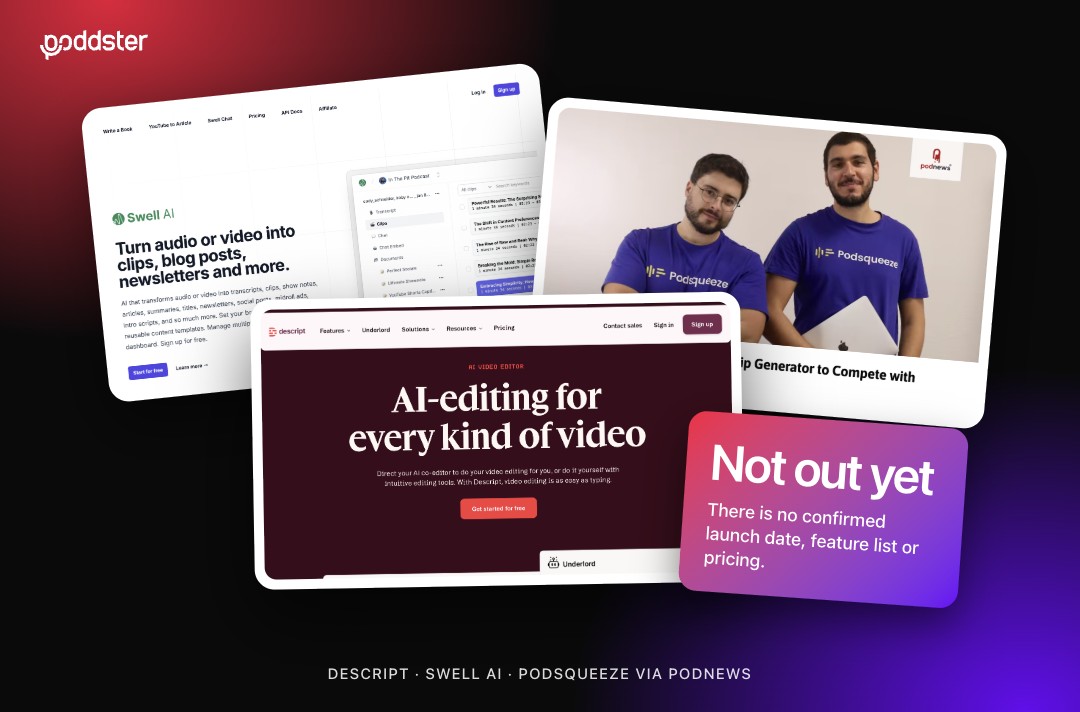
Podnews reports that YouTube is readying an AI-powered tool that will take a clip of audio and turn it into a YouTube Short. The source is YouTube's Emma Sweet, speaking in a YouTube short from The Podglomerate.
That is the extent of what has been reported. There is no announced release date, no description of how the tool picks or edits moments, and no detail on who will get access. Anything beyond that is speculation, so we are treating this as an early signal rather than a product.
Even if the tool arrives soon, it will not remove the need for a clipping strategy. It would speed up one step: turning audio into a video format. Choosing the right moment, writing the hook and judging whether a clip serves the show are still decisions someone has to make.
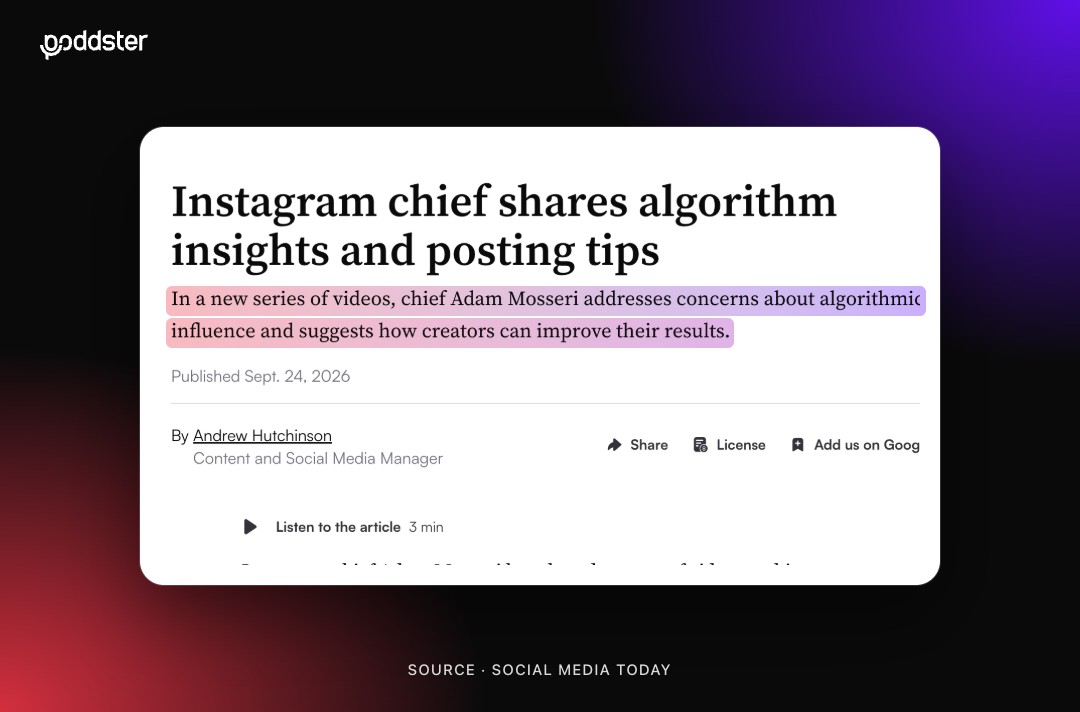
There is also a track record to learn from. Other platforms have launched their own editing helpers, and the lesson from our look at Instagram's tool that edits a Reel in seconds is that speed is useful and sameness is the risk. If every show uses the same automated editor, clips start to look alike.
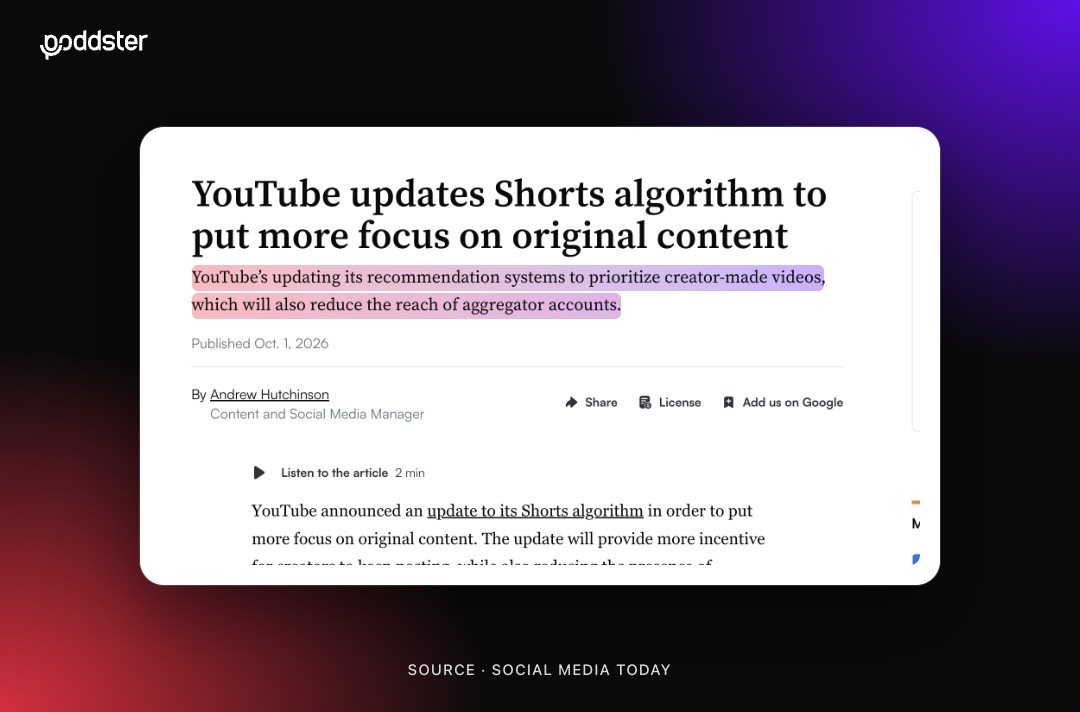
Read more: YouTube is demoting re-uploaded clips in Shorts, and what it means for clipping.
1. Get your source material in order.
Clean audio, speaker-labelled transcripts and consistent show artwork will help any tool, AI or not. Poor audio produces poor clips.
2. Decide each clip's goal.
Know whether a clip is meant to introduce the host, tease a question or promote a guest. An AI tool can cut a moment, but it does not know what you want the viewer to do next.
3. Set your human checkpoints.
Decide in advance that a person approves the hook, the captions and the final cut. This also protects accuracy. Our guide on whether you need to disclose AI use in your podcast is a good starting point for your policy.
4. Test, then compare.
When the tool is released, run a small test against your usual process. Compare how long each takes and how each performs, and keep the version that sends more viewers to the full episode.
5. Keep making clips in the meantime.
Every clip you publish now teaches you what your audience responds to. That knowledge makes any future tool more useful.
If you want a clip process that is ready for new tools, talk to the Poddster team.





Join 5.1K podcasters, creators, and brands already producing, editing and growing their video content with the world's #1 podcast studio brand.