Get Started
Get Started


Threads is trialling a feature that overlays word-by-word captions directly onto shared podcast clips. It's not live yet, but it confirms where every platform is already heading.


Most people don't watch podcast clips with the sound on. That's not a guess about your audience specifically - it's been true of short-form video generally for years, and Meta's Threads is now building a feature that treats it as the default for podcasts too.
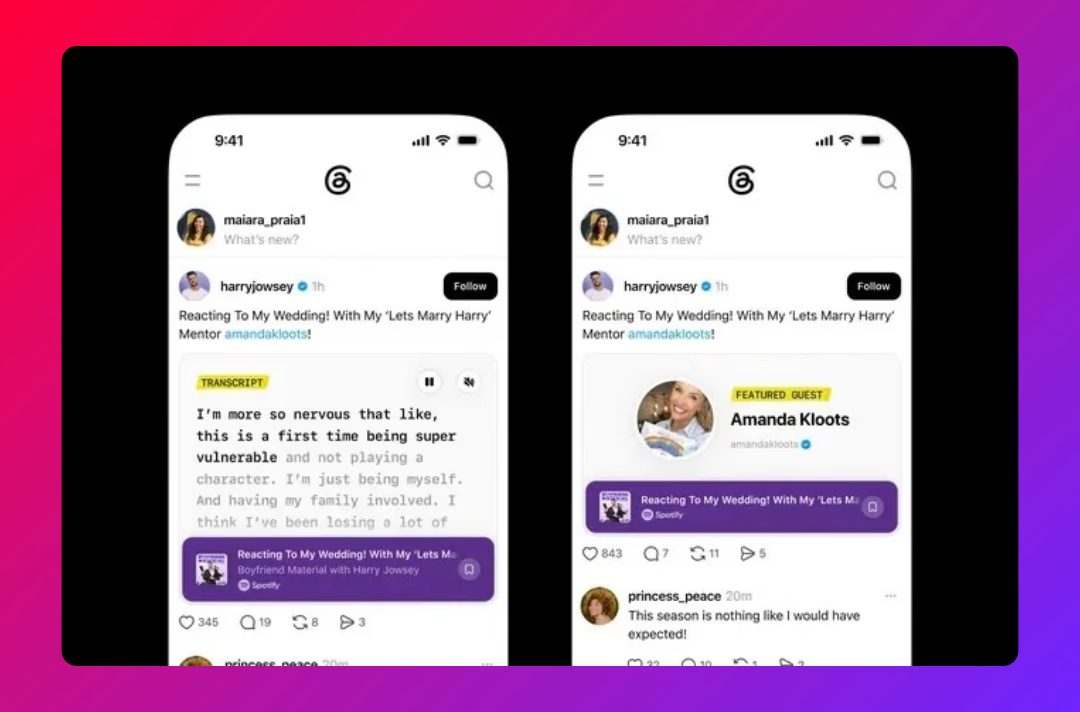
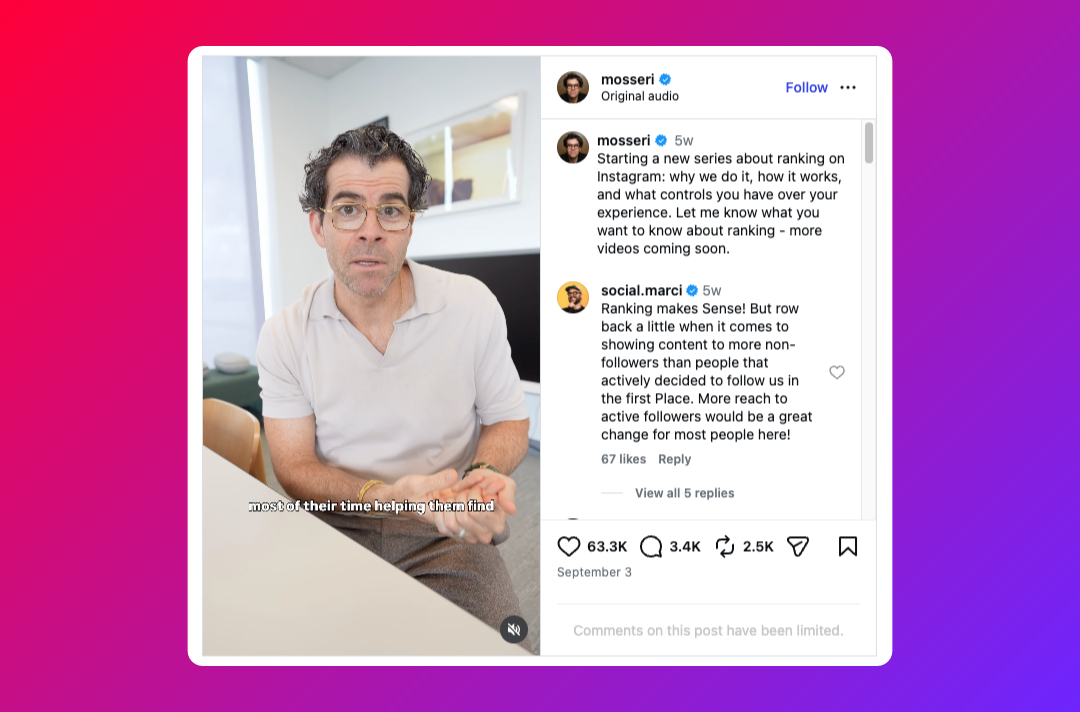
Threads head Connor Hayes shared a look at a feature in testing that overlays a live, word-by-word transcript directly onto a shared podcast clip, with the captions progressing in sync as the speaker talks. It's designed the same way auto-captions work on other platforms: large, easy-to-read text laid over the video, so anyone scrolling with the sound off - which is most people, most of the time - can still follow what's being said.
It's early. The feature isn't publicly available, Meta hasn't given a release date, and Hayes indicated it's one of several podcast-sharing tools currently in development for the platform rather than a single standalone launch. But the direction is clear: Threads is explicitly building podcast-specific sharing tools, not just treating podcast clips as generic video.
Threads testing this isn't happening in isolation. Instagram, TikTok, and YouTube have each already made captions a default or near-default part of how short video gets consumed, and Spotify and Apple Podcasts now both auto-generate transcripts for full episodes. Meta building the same expectation directly into Threads' podcast-sharing tools is less a new idea than a confirmation that caption-first viewing has become the baseline every platform is now building toward, not a nice-to-have some platforms happen to offer.
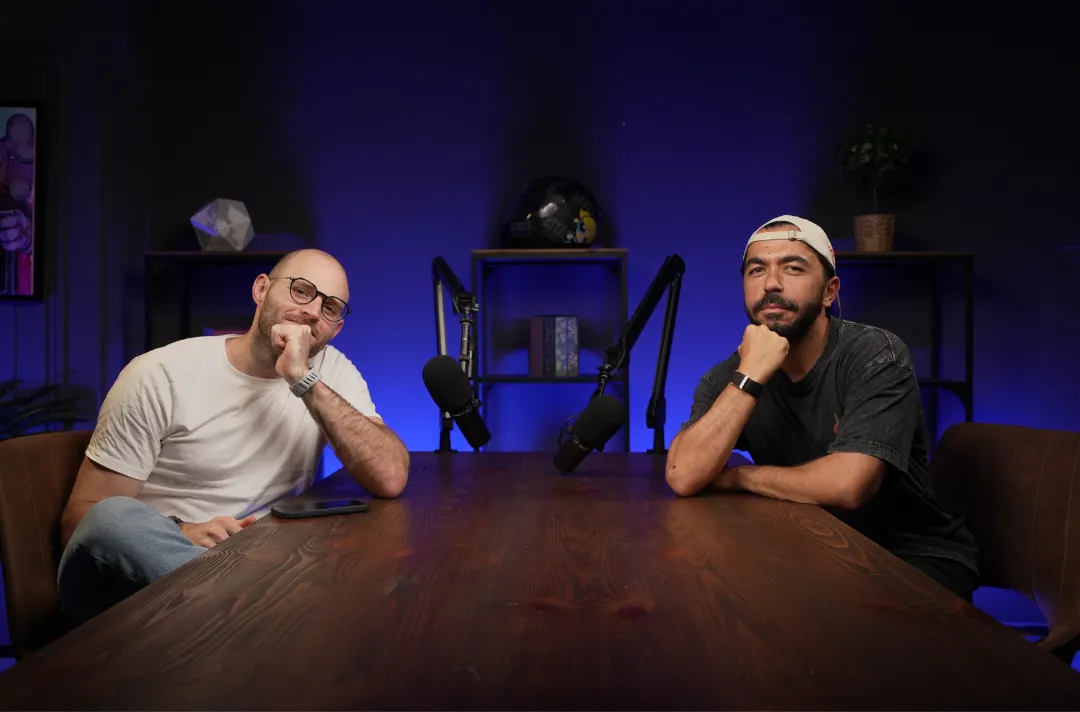
For podcast clips specifically, that baseline matters more than it does for other short video, because the entire value of a clip is usually the specific thing that was said. A clip without captions is betting that someone will turn their sound on for a stranger's podcast mid-scroll. A clip with accurate captions works whether they do or not.
None of this requires waiting on Meta. If your clips are captioned properly today, a feature like this is a small bonus when it ships. If they aren't, it's one more reminder that sound-off is the default you should already be designing for.
If your podcast clips need a repurposing strategy built around how people actually watch them - sound off, on the move, mid-scroll - that's exactly the kind of thing Poddster handles as part of full-service production. Get in touch and we'll show you what that looks like.







Join 5.1K podcasters, creators, and brands already producing, editing and growing their video content with the world's #1 podcast studio brand.